Welcome to NeuroBalance
(Formerly Brain Health & Biofeedback Clinic)
We’ve officially updated our name to NeuroBalance! While our name and website look a little different, we are the exact same team at the same clinic location. Your account and email are already set up in our new NeuroBalance Patient Portal, so there is no need to re-register. Follow the quick guide below to set your password, log in, and learn how to use your new portal.
How to Log In, Use the Portal, and Book an Online Consultation
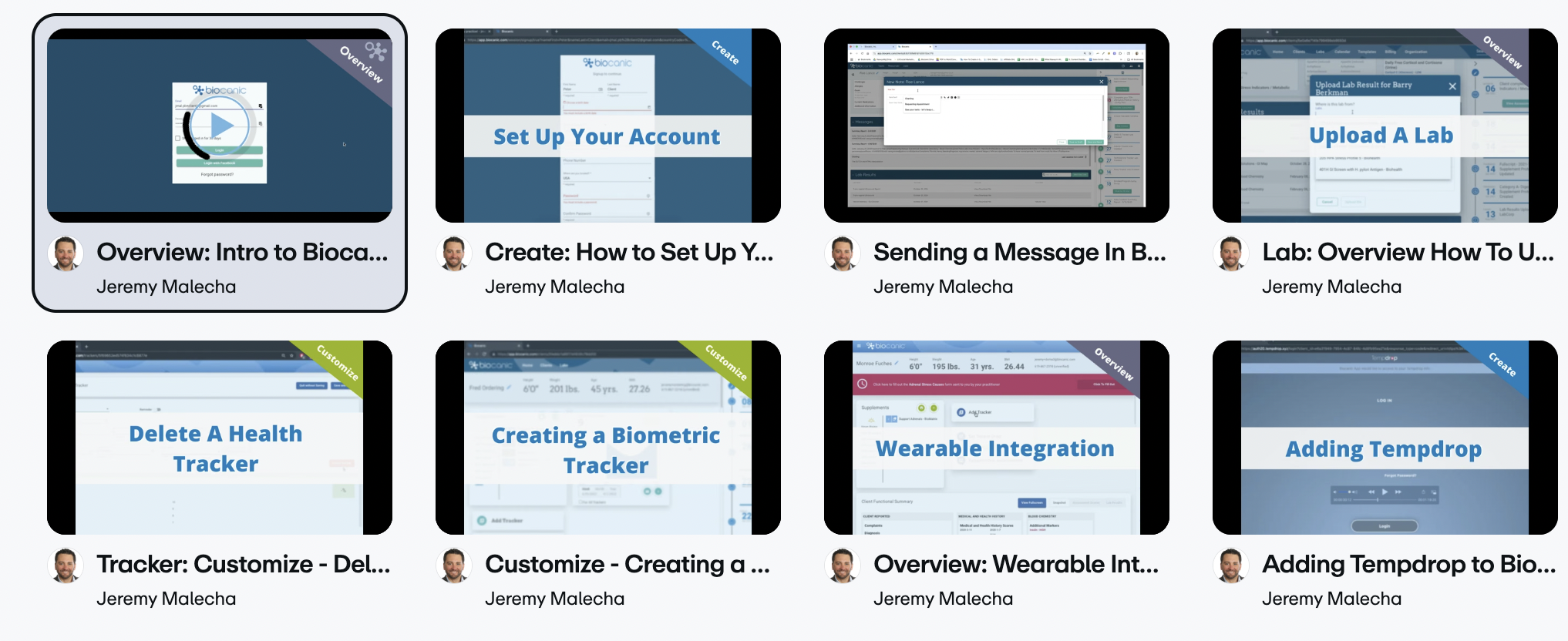
Click on any guide card below to view detailed step-by-step instructions, screenshots, and direct action links.
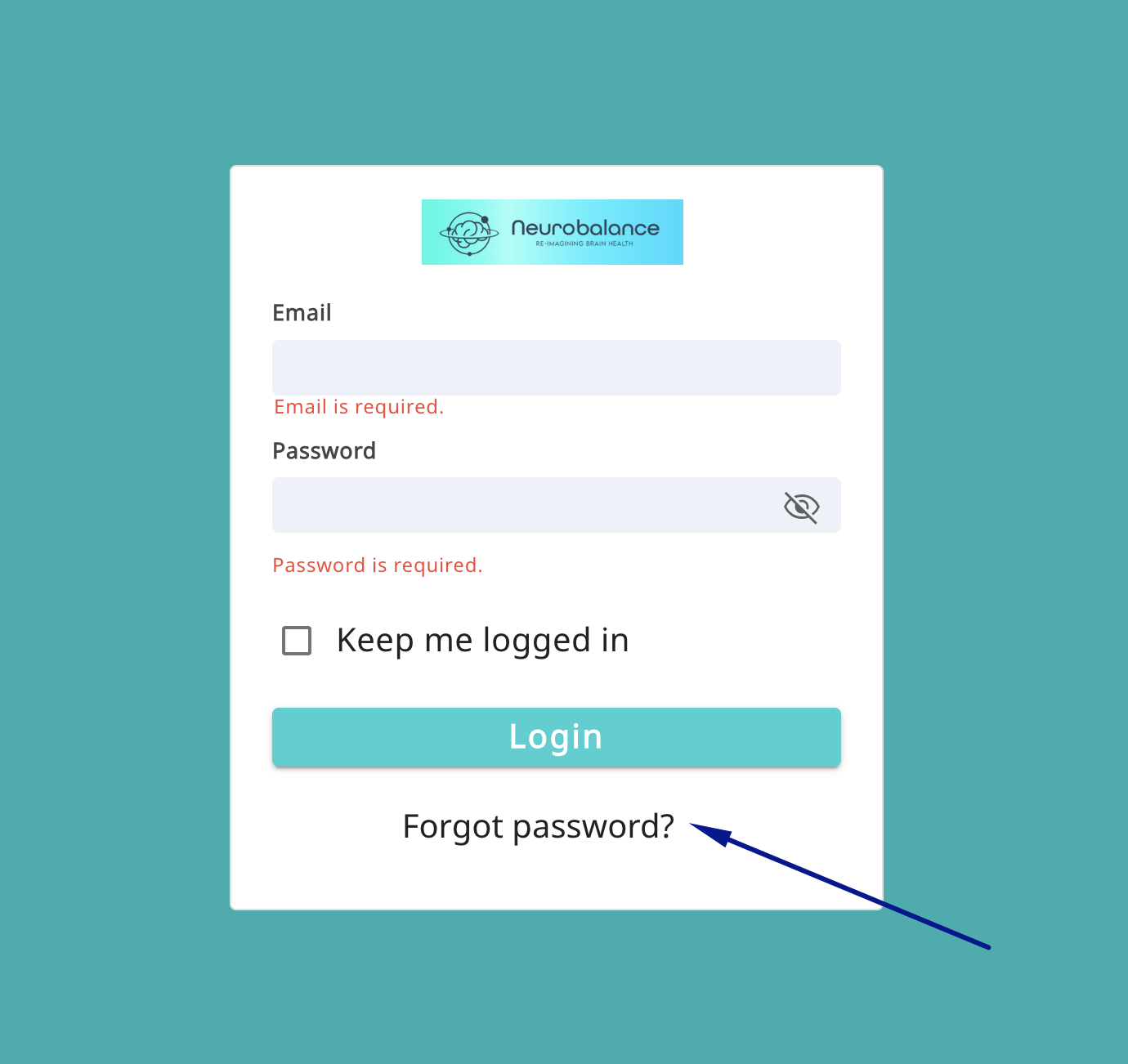
Set Your Password for the First Time
Your email is already registered in our system. Learn how to trigger your setup email and log in for the first time.
View InstructionsIntroduction to the Patient Portal
Take a quick tour to find where your intake forms, lab reports, supplement protocols, and video libraries are located.
View InstructionsHow to Send a Message
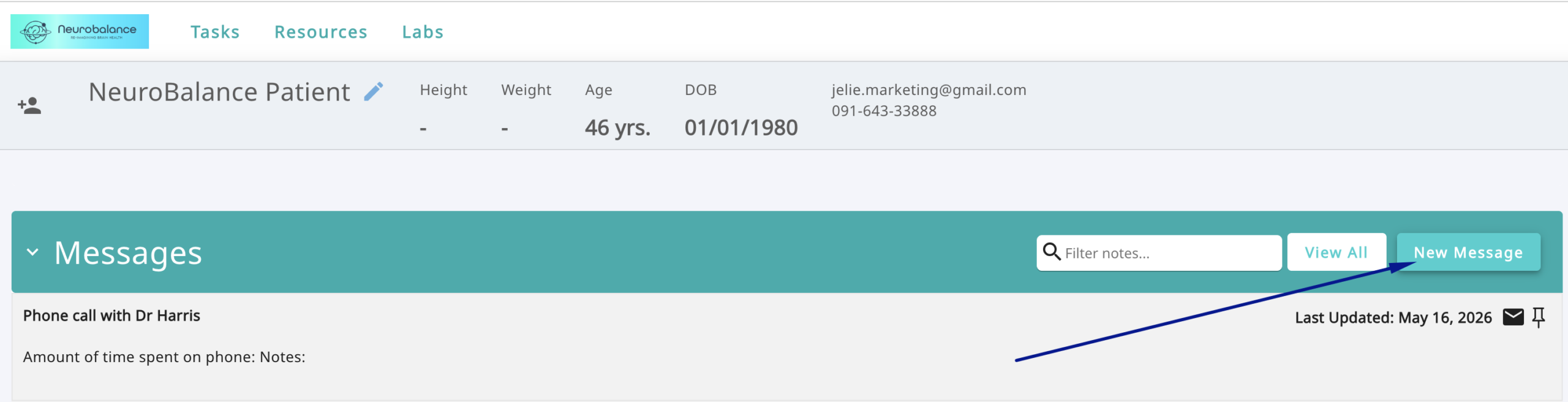
Learn how to send encrypted questions directly to Practice Manager Chani Leitch and the clinical team.
View InstructionsOur Online Appointments
Discover how to book 5-Minute Q&A calls or Online Follow-Up sessions with Dr. Harris through your portal.
View InstructionsNeuroBalance Patient Portal Guide
Your NeuroBalance Patient Portal gives you one secure place to access information shared by the NeuroBalance team, complete forms, view lab results, track health information, and communicate directly with us.
Select the Patient Portal Login button on our website and sign in with the email address connected to your NeuroBalance account. If this is your first time accessing the portal, check your inbox for your account setup email and follow the instructions to create your password.
No. The main NeuroBalance website contains general clinic information, services, resources, and appointment booking. The NeuroBalance Patient Portal is the secure platform we use to share and collect personal information related to your care.
First, check your Inbox, Spam or Junk folder, and your Promotions folder (if using Gmail). Ensure you are checking the email address provided to NeuroBalance. If you still cannot find your invitation, email hello@neurobalance.co.nz and our team will assist you.
On the portal sign-in screen, enter your email address and select Forgot Password. Follow the instructions sent to your inbox. If you are still unable to log in, try opening the portal in a private/incognito browser window. Please do not create a second account; contact us if you remain locked out.
Depending on your personal care plan, you will see areas for assessments and intake forms, health trackers, lab results, notes, messages, supplement protocols, and practitioner resources. Note that some sections only display data after your practitioner has uploaded or assigned something to you.
When NeuroBalance assigns an assessment, you will receive an email notification. Log in to your NeuroBalance Patient Portal, locate the assigned form, and follow the prompts. Please complete all requested forms before your scheduled appointment.
Yes. The NeuroBalance Patient Portal provides secure messaging between you and our clinical team under the Messages or Notes section. Note: The patient portal is not monitored for emergencies. For urgent medical concerns, please contact your local emergency services.
Yes. Once laboratory results or recommended supplement protocols have been processed and reviewed by your practitioner, they will appear under the Labs or Supplement Protocol tabs in your account. Always follow the specific dosage instructions provided by Dr. Harris.
Please use the NeuroBalance Booking Page to schedule online appointments. You can book a 5-Minute Q&A with Dr. Harris for quick questions, or an Online Follow-Up for in-depth reviews of progress, results, or next steps.
Yes. A mobile app is available for existing patients. Make sure to activate your account and set your password on the web portal first. Supported accounts can also connect Apple Health activity and tracking data if requested as part of your care plan.
Try refreshing the page, signing out and back in, disabling pop-up blockers, or opening the portal in Google Chrome or Safari. If something remains missing, email hello@neurobalance.co.nz with your name, portal email address, and a description of the issue.
Still Need Help?
Our administrative team is here to assist you with account setup, login issues, or finding your forms and lab results.